Database migration refers to transferring your data from one platform to another. An organization can opt for database migration for a multitude of reasons. For example, an organization might feel that a specific database (e.g., Oracle) has features that can offer more benefits than their existing database (e.g., MySQL). Or, they might want to cut costs by moving their on-premises legacy system to the cloud (e.g., Amazon RDS).
Having said that, moving data from one place to another isn’t a simple endeavor – a narrative supported by stats. According to Gartner, 50% of all data migration projects go above their predetermined budgets and affect the overall business negatively. The lack of an adequate database migration strategy and flawed execution are most often the culprits. That’s because database migration projects:
- Involve a greater degree of complexity than other IT projects
- Often involve databases that host mission-critical applications (which requires careful coordination of downtime, as well as data loss prevention measures)
- Tend to take a great deal of time and effort (from manual schema changes to post-migration database validations)
- Involve several systems, technologies, and IT teams to work properly
Simply put, an effective database migration strategy can prevent companies from blowing budgets and deadlines.
Why a Database Migration Strategy Is Key to Your Organization’s Success
A database migration strategy is a plan that facilitates your data transfer from one platform to another. There is a wide range of complexities that go into the data migration process. It’s much more than simply copying and pasting data. Such a plan takes certain factors into account, such as a data audit, data cleanup, data maintenance, protection, and governance.
A well-defined database migration strategy can reduce the business impact of database migration. A strategy helps the data migration team to avoid creating a poor experience that often generates more issues than it solves. A subpar strategy can cause your team to miss deadlines, exceed budgets, and cause the entire project to fail. According to a study, database migration can lead to more than $250,000 in cost overruns.
Legacy data doesn’t always align with the new system. Bringing unnecessary data to a new system wastes resources. But a database migration strategy can address these issues by identifying the core data requirements and guide you to make the right decisions.
3 Types of Database Migration Strategies
There are three main approaches to database migration: big bang data migration, trickle data migration, and zero downtime migration.
1. Big Bang Database Migration
A big bang migration transfers all data from one source system to a target database in a single operation at a single point in time. Often it’s performed during a weekend or a scheduled downtime period.
The benefit of this strategy is its simplicity, as everything occurs in a time-boxed event. The tradeoff is downtime. This can be undesirable for organizations that run their systems 24/7.
2. Trickle Database Migration
A trickle migration follows an agile-type approach to database migration. It breaks down the migration into small sub-migrations, each having its own scope, deadlines, and goals. This way, it’s easier for the database migration team to confirm the success of each phase. If any sub-processes falter, it’s common to only re-work the failed process. As a result, the lessons from the failure can be utilized to improve subsequence runs. That’s one of the reasons why it’s less prone to unexpected failures.
The drawback is that trickle database migration takes more time. Since you have to run two systems simultaneously, it consumes more resources and effort.
3. Zero-Downtime Database Migration
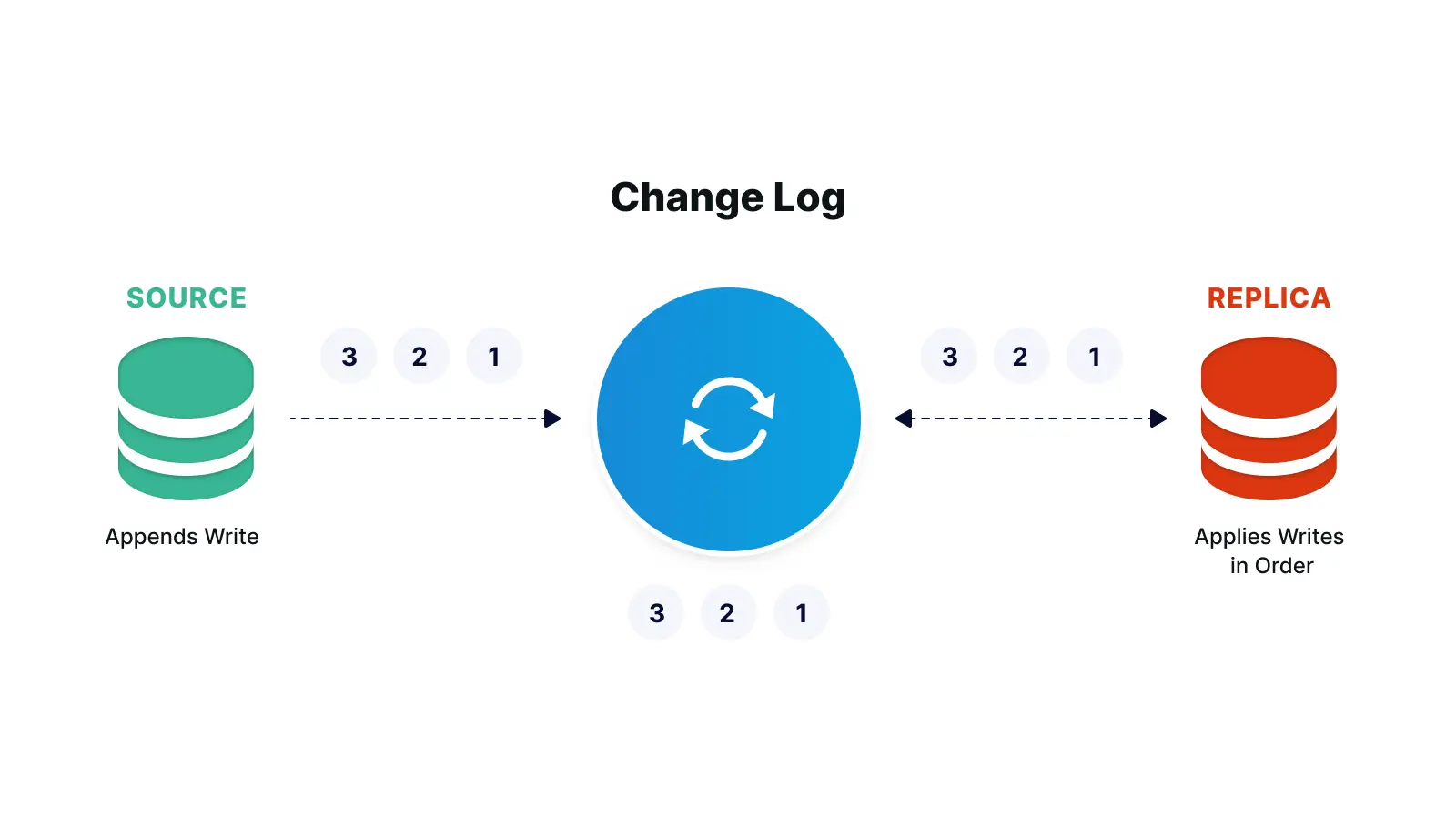
A zero-downtime migration replicates data from the source database to the target database. It allows the client to access and operate on the source database while the migration is in process.
Benefits include less business disruption, faster migration, and minimal cost, especially when considering business impact and all-hands migration efforts.
Database Migration Best Practices
Sticking to the best practices can increase the likelihood of successful database migration. Some of the practices followed by a well-planned database migration strategy include:
Set Up the Database Migration Project Scope
First, set the parameters (e.g., object types, source objects in scope, connection parameters) of your database migration project. Like other IT initiatives, this process is prone to scope creep.
According to a published study, specifications change in 90% of data migration projects. In addition, 25% of such projects tackle more than one specification change. Therefore, it’s better to start small. For instance, if you have multiple databases, then move data from only one of them. Once you succeed with this single migration, you can extend the project scope.
Analyze Your Current Data
Database migration projects deal with plenty of factors, such as:
- The type of the data
- The size of the data
- The operating systems
- The source and target systems
- The database platform
Before you initiate the migration process, you have to determine how much data you need to move. For example, you might have records that are no longer required and better left behind. Or you might think about compatibility issues, such as when moving data from a relational database (e.g., Oracle) to a non-relational database (e.g., MongoDB).
Communicate the Process
Multiple teams need to give their input to the data migration process. Communicating the entire data migration process to them is vital. They should know what they’re expected to do. For that, you have to assign responsibilities and tasks.
Set a list of deliverables and tasks and assign roles to activities. Some of the questions you need to answer include:
- Who is the chief decision-maker of the migration process?
- Who has the authority to determine whether the migration was successful?
- After database migration, who will validate data?
Lack of a proper division of tasks and responsibilities can cause organizational chaos and your project to fail.
Strengthen Your Database Migration Strategy with StreamShift
Part of building a database migration strategy will include making sure your team has the right tools in place. Using a tool like StreamShift helps to ensure a successful data migration.

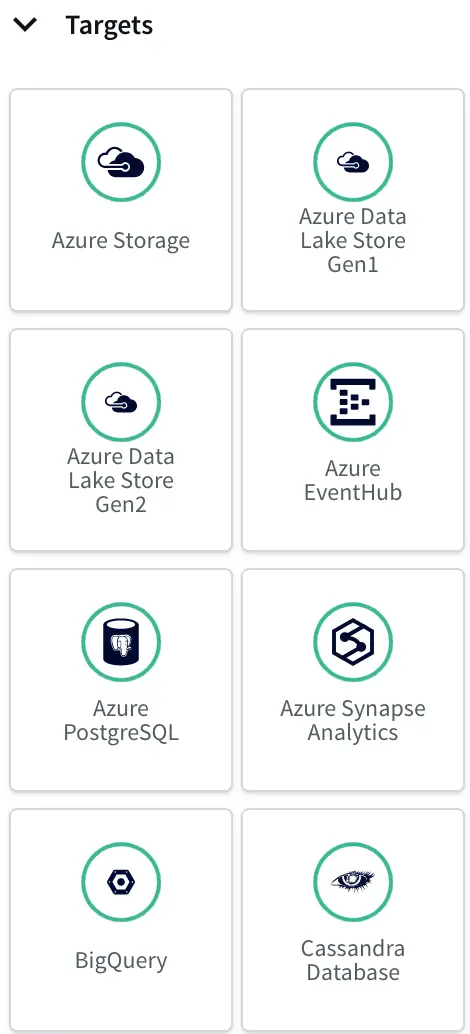
StreamShift is a fully managed SaaS database migration tool that can simplify database migration from on-premise or cloud databases to your desired target databases.
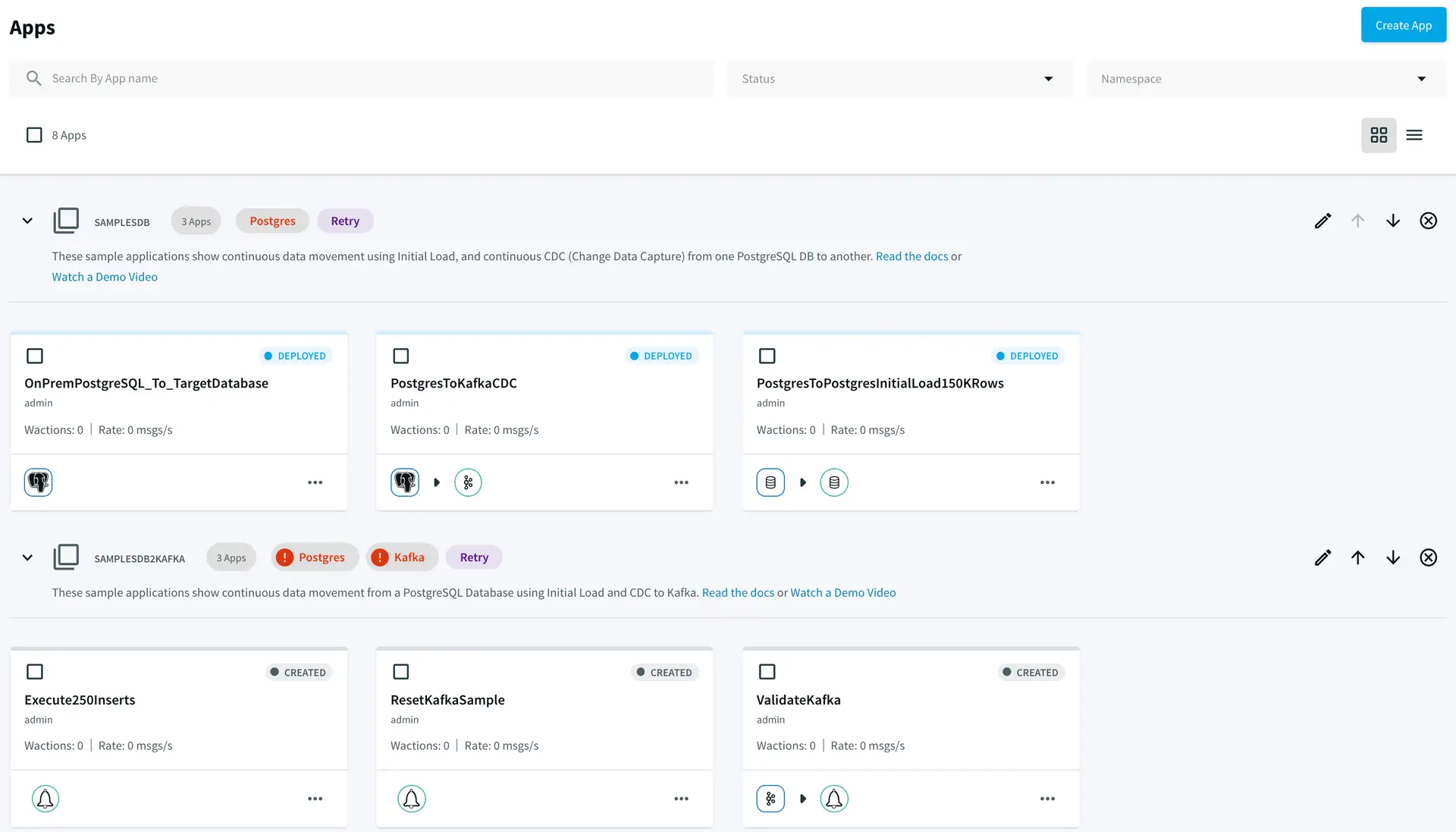
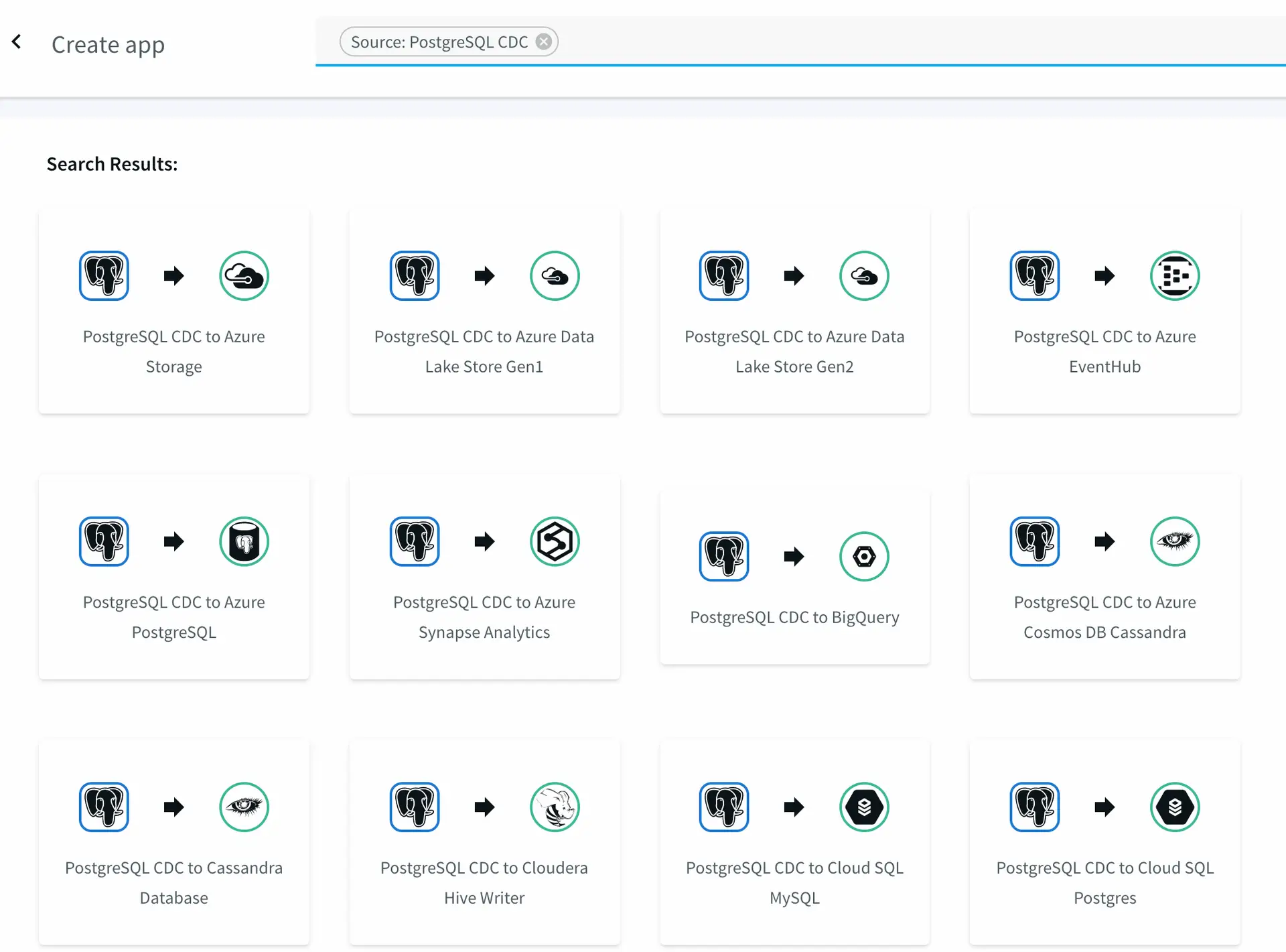
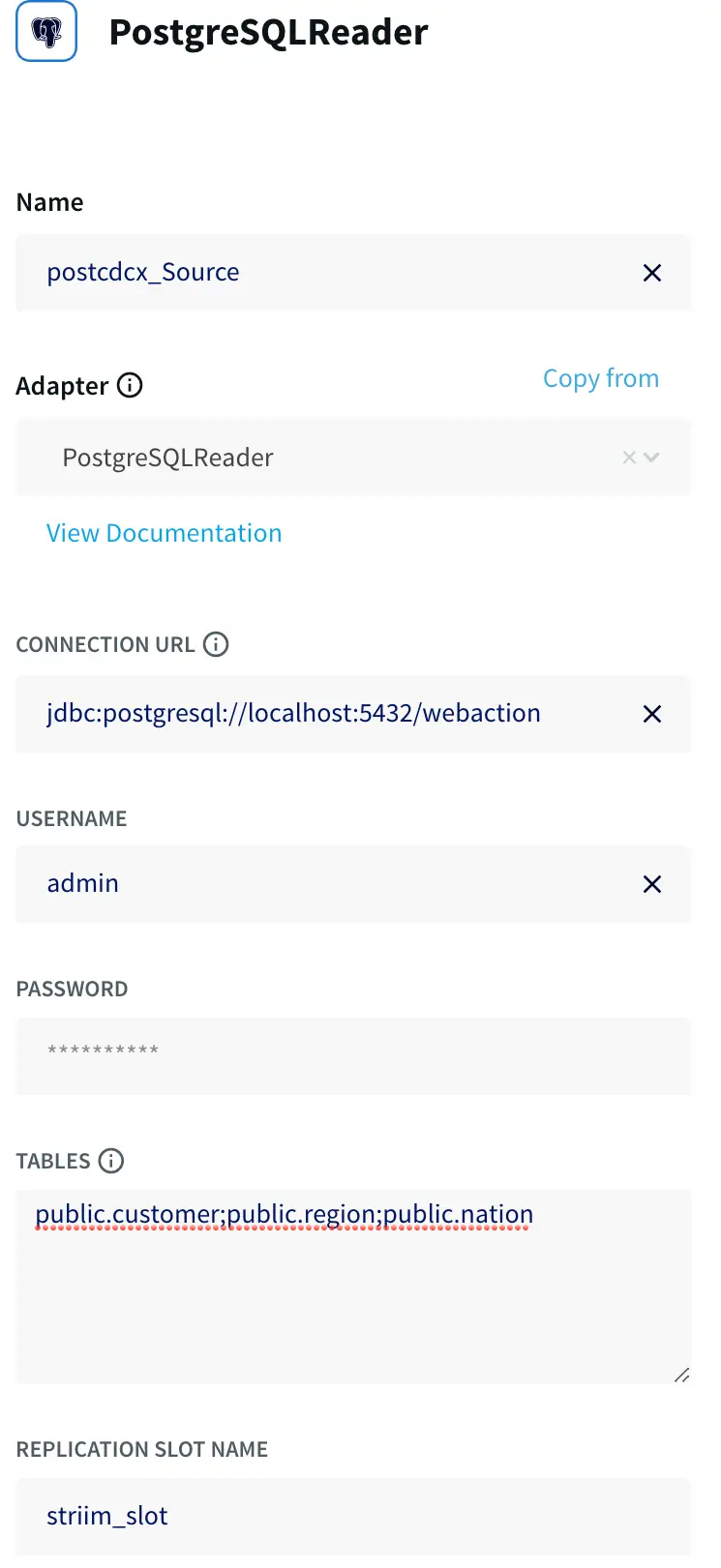
With StreamShift, you can fulfill the core requirements needed for zero downtime database migration. All you need to do is choose source and target connections and provide the credentials. After that, StreamShift will handle everything, including creating initial schemas, bulk loading historical data, and performing continuous synchronization between the source and target.
StreamShift is run by a team that has years of deep data management and migration experience working with global enterprise customers. That’s why it comes with a user-friendly user interface that addresses various common and complex database migration pain points.
Schedule a demo and we’ll give you a personalized walkthrough or try Striim at production-scale for free! Small data volumes or hoping to get hands on quickly? At Striim we also offer a free developer version.